Using Code Snippets (pre-formatted text)
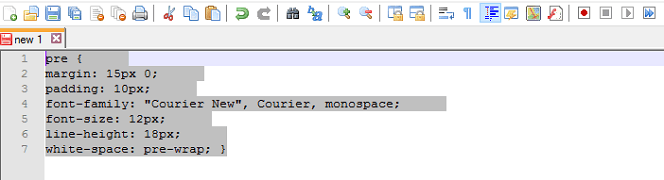
Sometimes when copying a snippet of code, you may want the editor to preserve your snippet, without formatting it. You can do this, by copying your code, into a < pre > formatted tag, that looks something like this, in HTML:
pre {
    margin: 15px 0;
    padding: 10px;
    font-family: "Courier New", Courier, monospace;
    font-size: 12px;
    line-height: 18px;
    white-space: pre-wrap;
}
This does more than just maintain the spaces. In most browsers, it is written in a Monospace font, making the characters in the text all equal in width.
Preserve your Code Snippets
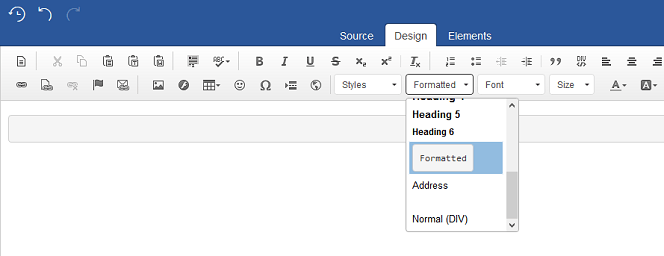
To do this, start by selecting, 'Formatted', from the drop-down list as seen below:
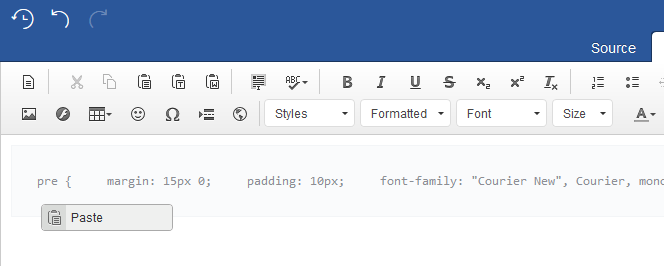
Next copy and paste your code into the container, to preserve your code formatting: