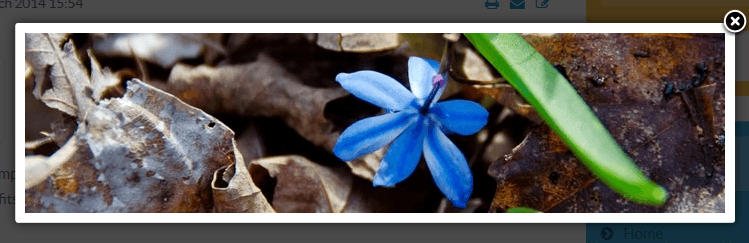
Creating an Image Lightbox
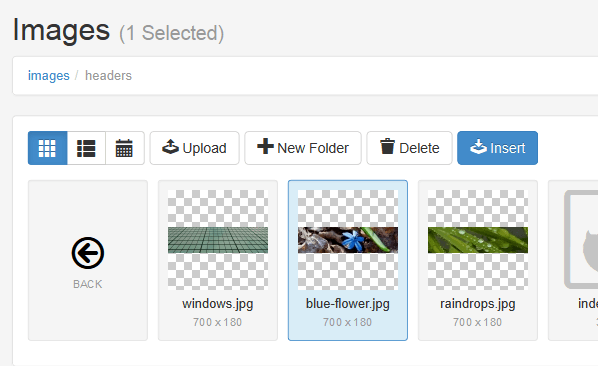
1. Select an image. To do this click on the 'Image' icon > navigate to the image you want to insert > click on the image > click on the 'Insert' button.
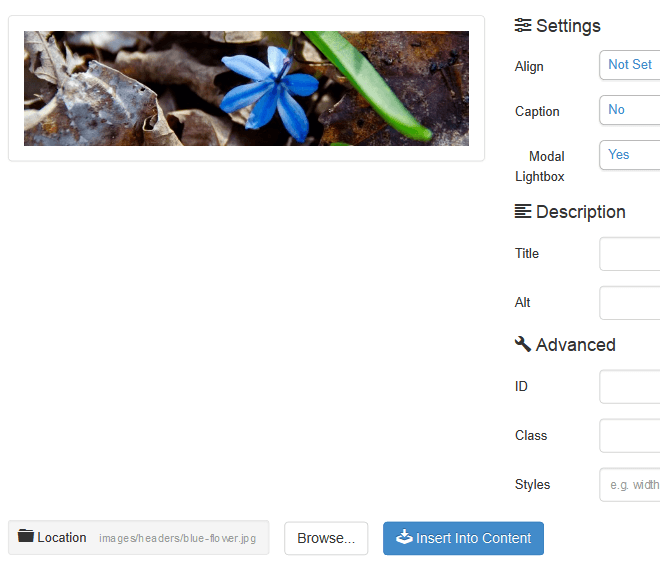
2. Turn 'Modal Lightbox' on and insert the image into your content.

3. Save.
4. Disable inline editing and right click on the image to view your 'Lightbox'. This is what it will look like.