Inline Editing - Using the 'noEdit' Class to Disable Module Editing
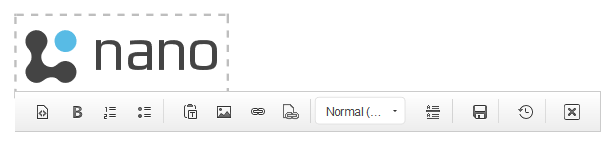
You may want to disable inline module editing, i.e because you don’t want the logo in the HTML module to be editable, as there is a link on the logo that leads back to the homepage.
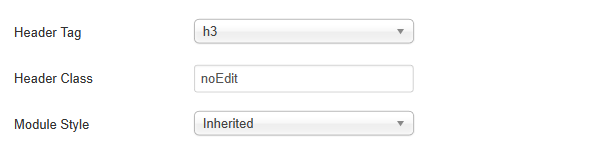
If you want to disable inline editing you can add a 'noEdit' class to your custom HTML module.
- This is done by going to > 'Extensions' > 'Module Manager' > searching for your module (in this instance ‘logo’) > selecting the 'Advanced' tab and adding to ‘Header Class’ > ‘noEdit’.