Uninstalling
To uninstall with the Ark Extension manager
To uninstall the with the Ark Extensions Manager:
- Navigate to 'Components' and click on 'Ark Extension Manager'. This will take you to the 'Ark Manager' screen.
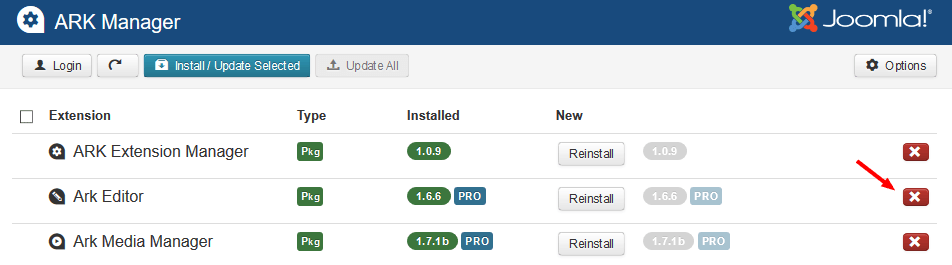
- Click on the 'Uninstall' button.
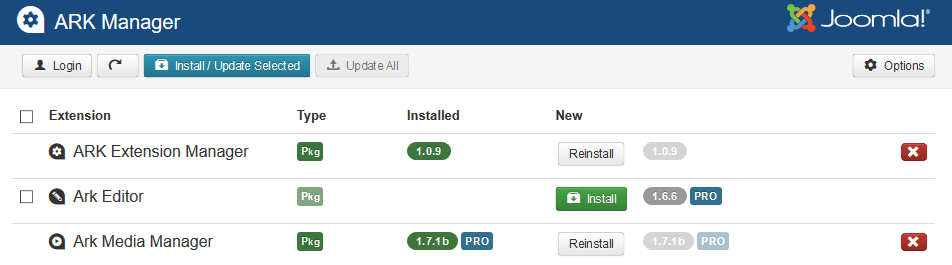
The Ark Editor package will now be unistalled.
To uninstall with Joomla's Extension Manager
To uninstall the Ark Editor package with the Extension Manager:
- Navigate to 'Extensions' > 'Extension Manager' and select 'Manage' from the left menu.
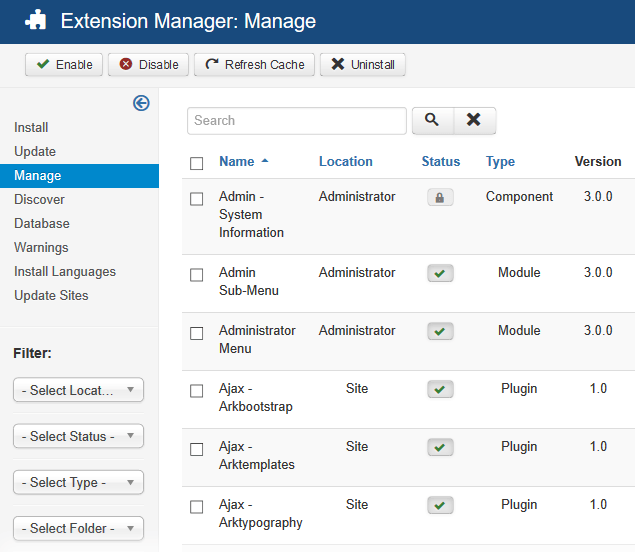
2. Filter for 'Package' and 'ArkEditor'.
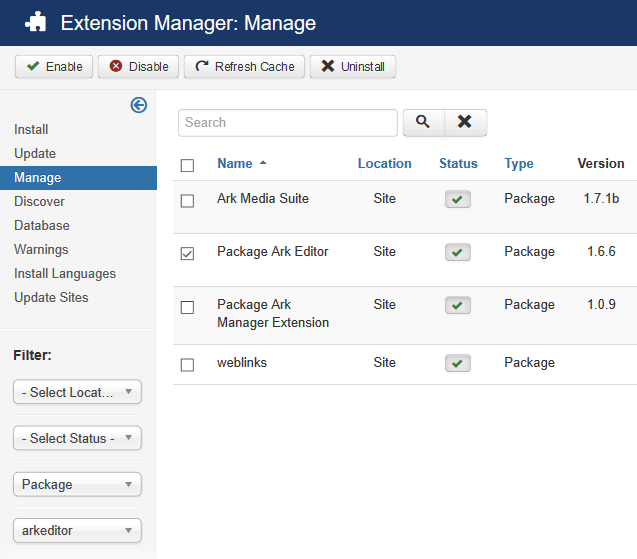
3. Select 'Package Ark Editor' and click on the 'Uninstall' button.