Installing the ARK Editor zip download package
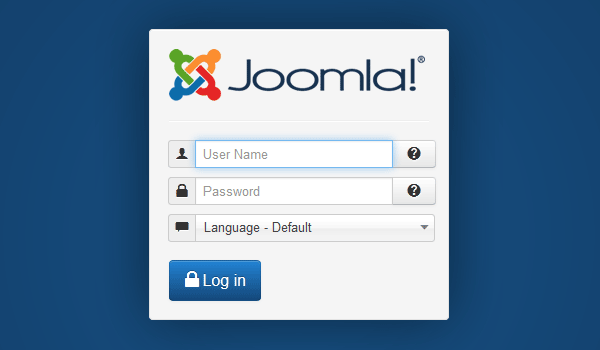
To install please go to the back-end Joomla administrator and login with your 'Username' and 'Password'.successfully installed.
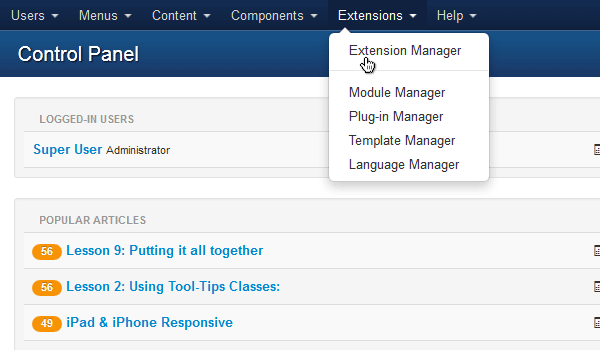
Once logged in go to 'Extensions' and click on 'Extension Manager'.
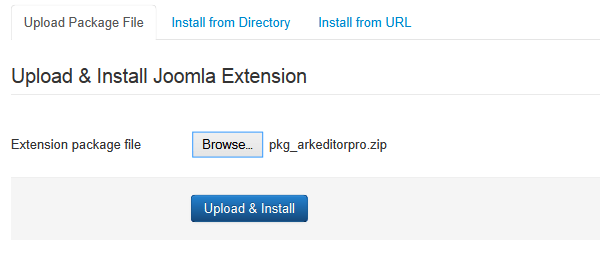
Under 'Upload Package File' click on 'Browse...', navigate to the Zip file, select it and click on 'Upload & Install'.
The system will now automatically install the Ark Editor package for you. Once completed it will inform you that the application has been successfully installed.